Services · Channel 02 · Auto attendant & IVR

The first voice they hear. Make it the same one.

Greetings, menus, after-hours and voicemail — written as one script, read by the same talent as your hold message, so the whole call sounds like one company.

Menu map · Family Orthodontics

Press a key to walk the menu. Star goes back, zero always reaches a person.
What we write and record

Every prompt a caller can reach, in one voice.

Most systems ship with a robotic default and an office manager reading into a handset. We replace all of it — including the ones nobody remembers to update.

01
Main greeting8–12 s
Names the business, sets the tone, and offers the extension shortcut before the menu starts.
“Thank you for calling Family Orthodontics, where great smiles start.”
02
Main menu15–25 s
Three to five options, most-called first, the reason before the number.
“For appointments, press 1. For billing and insurance, press 2.”
03
Sub-menus10–15 s each
One level down, never two. If a caller needs a third key, the menu is wrong, not the caller.
“For a new patient consultation, press 1. To reschedule, press 2.”
04
Transfer & queue prompts3–6 s
The short lines between a key press and a person — the moment your hold message begins.
“Connecting you to scheduling. Please have your appointment date handy.”
05
After-hours & holiday closures15–30 s
Hours, an emergency path, and a voicemail promise. Holiday versions scheduled with your hold updates.
“Our office is closed for Thanksgiving and will reopen Monday at eight.”
06
Voicemail greetings8–12 s
General mailbox and named extensions, so the last thing a caller hears is as polished as the first.
“You've reached the billing office. Leave a message and we'll return your call by the next business morning.”

Greeting, menu, hold. One company.

A caller hears your attendant, presses a key, and lands on hold. If the voice changes twice in thirty seconds, so does their sense of who they've called. We record both sides of that handoff with the same talent, from the same script.

Attendant · same talent
Female
Voice demo · Light Jazz
Listen

The talent who greets your callers and walks them through the menu.

On hold · same talent
Family Orthodontics
Healthcare / Medical · Light Jazz
Listen

The production callers land on after pressing a key. Same voice, same script session.

How we build a menu

Menus callers actually finish.

An attendant is a script and a structure. We write both, from a conversation about who calls you and what they want — the same conversation that produces your hold message.
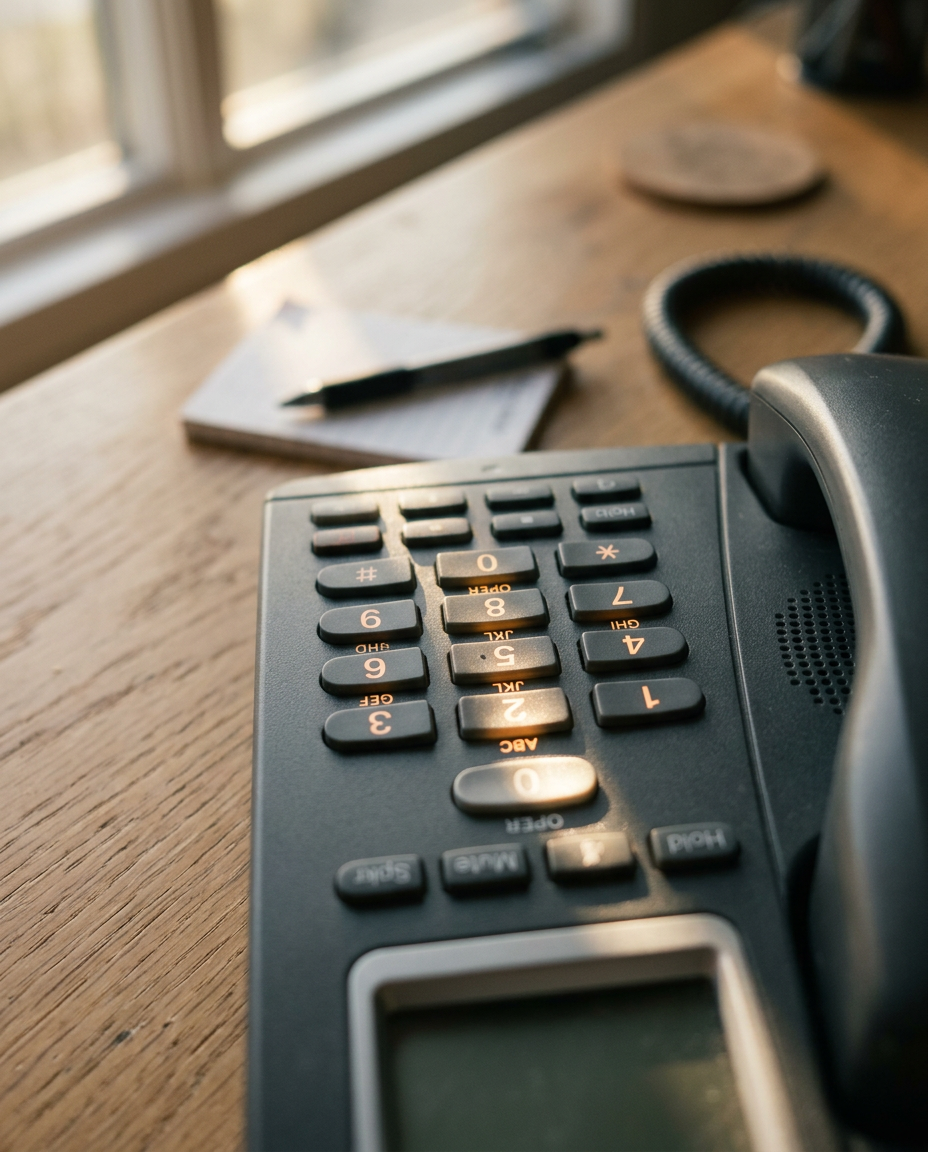
Desk phone keypad on a reception desk
Count
Three to five options. Never more.
Callers hold about four things in memory. A seven-option menu gets replayed, or abandoned to zero.
Order
Most-called reason first.
We ask what the front desk hears most. That's option one, and most callers never hear option two.
Phrasing
The reason, then the number.
"For appointments, press 1" lets a caller decide before the key is named. The reverse makes them wait for the whole list.
Depth
One level down.
A sub-menu is fine. A sub-sub-menu is a sign the structure is doing work a person should.
Exit
Zero always reaches a person.
Every prompt, every level, every hour the office is open. Callers who know the way out relax enough to listen.
Delivery

One file per prompt, named to your menu.

Delivered in the format and sample rate your system wants, labelled so whoever loads them never has to guess which greeting is which. Or we load them for you.

FileLengthFormat
00_main_greeting.wav0:118 kHz · 16-bit mono
01_main_menu.wav0:198 kHz · 16-bit mono
02_appointments_submenu.wav0:128 kHz · 16-bit mono
03_billing_submenu.wav0:138 kHz · 16-bit mono
10_after_hours.wav0:248 kHz · 16-bit mono
11_holiday_thanksgiving.wav0:188 kHz · 16-bit mono
RingCentralMicrosoft Teams8x8CiscoAvayaVonageLegacy PBXNot sure

Already a hold client? Your attendant is a short add-on to the same session.

Call 800-599-8119Get a quote